The irritation
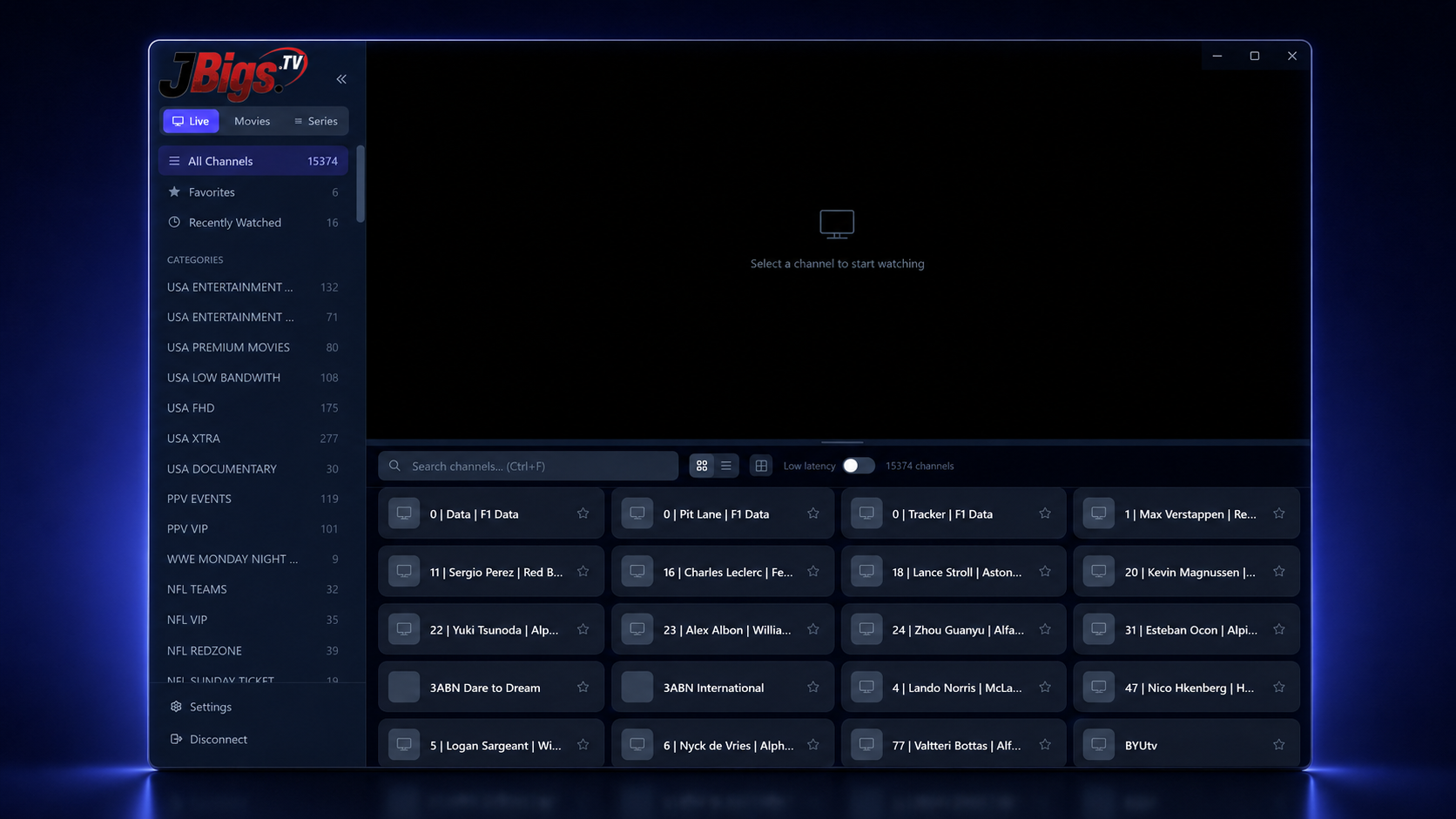
I wanted an IPTV player that treated a large provider library like television: quick to tune, easy to read from a couch, and organized around a real guide instead of a database table.
A Windows IPTV player that turns a user's own Xtream or M3U subscription into a fast, television-friendly guide and player.
Built because…
I wanted an IPTV player that treated a large provider library like television: quick to tune, easy to read from a couch, and organized around a real guide instead of a database table.
I built a signed Electron application for Windows with Xtream and M3U provider setup, live television, guide data, HLS and MPEG-TS playback, updates, and optional Pro features for movies, series, multiview, timeshift, and continue-watching.
IPTV playback spans inconsistent provider data, codecs, HLS and MPEG-TS streams, FFmpeg process boundaries, remote-friendly input, packaging, and recovery when a stream fails.
Under the casing
Scope of work
No victory-lap math
JBigs.tv is a released Windows 10/11 application with a signed installer and direct update path. It is a media player for a user's own legal provider; JBigs.tv does not sell subscriptions or supply channels.
A television interface has to stay calm when the data and streams behind it are not. Clear provider boundaries and useful failure states matter as much as fast playback.
In the playable workshop, JBigs.tv lives in the Broadcast & Products as a broadcast wall. You can inspect it without unlocking anything.